3 Axis vs 4 Axis vs 5 Axis CNC Routers: What Actually Changes in Real Production
When manufacturers begin comparing 3 axis, 4 axis, and 5 axis CNC routers, the discussion often becomes simplified into a question of "how many axes are better." In reality, axis count alone does not determine productivity, accuracy, or suitability.
This article explains what truly changes in real production as you move from 3 axis to 4 axis and then to 5 axis CNC routing. The goal is to help buyers understand capability differences from an engineering perspective — not a specification checklist.
Table of Contents
Axis Count vs Manufacturing Capability
An additional axis does not automatically improve machining results. Each axis adds:
Mechanical complexity
Control complexity
Programming requirements
Calibration and maintenance demands
The key question is not how many axes a machine has, but:
What geometric problems does each axis configuration solve?
3 Axis CNC Router: Strengths and Limits
How 3 Axis Machines Operate
A 3 axis CNC router moves the cutting tool along X, Y, and Z. The tool orientation is fixed relative to the spindle.
This configuration is mechanically simple, cost-effective, and easy to program.
Where 3 Axis Performs Well
3 axis CNC routers are ideal for:
Flat panel machining
Cabinet and furniture components
Sign making and engraving
Pocketing and profiling operations
In these cases, surface normals remain perpendicular to the tool axis.
Practical Limitations
However, 3 axis machines struggle with:
Undercuts
Deep angled surfaces
Complex curved geometries
Multi-face parts requiring multiple setups
Each additional setup introduces:
Alignment errors
Fixture variability
Increased labor time
4 Axis CNC Router: What Changes and What Does Not
What the 4th Axis Adds
A 4 axis CNC router typically introduces a rotational axis, often:
A axis (rotation around X)
Or a rotary table aligned with Y
This allows the workpiece to rotate while the tool remains fixed.
Typical 4 Axis Use Cases
4 axis machines excel at:
Cylindrical parts
Rotary engraving
Indexing operations
Machining multiple faces without re-clamping
Important Limitation
Most 4 axis routers operate in indexed mode, meaning:
The machine stops
Rotates the workpiece
Locks the axis
Resumes cutting
This is not continuous multi-axis machining.
3+2 Axis Machining: Often Misunderstood
Many machines marketed as “5 axis” are actually 3+2 axis systems.
What 3+2 Axis Means
Two rotational axes position the part or tool
Cutting occurs using only X, Y, Z
Rotational axes remain stationary during cutting
When 3+2 Axis Is Enough
3+2 machining works well for:
Angled holes
Multi-face prismatic parts
Reduced setup counts
However, it cannot maintain continuous tool orientation along curved surfaces.
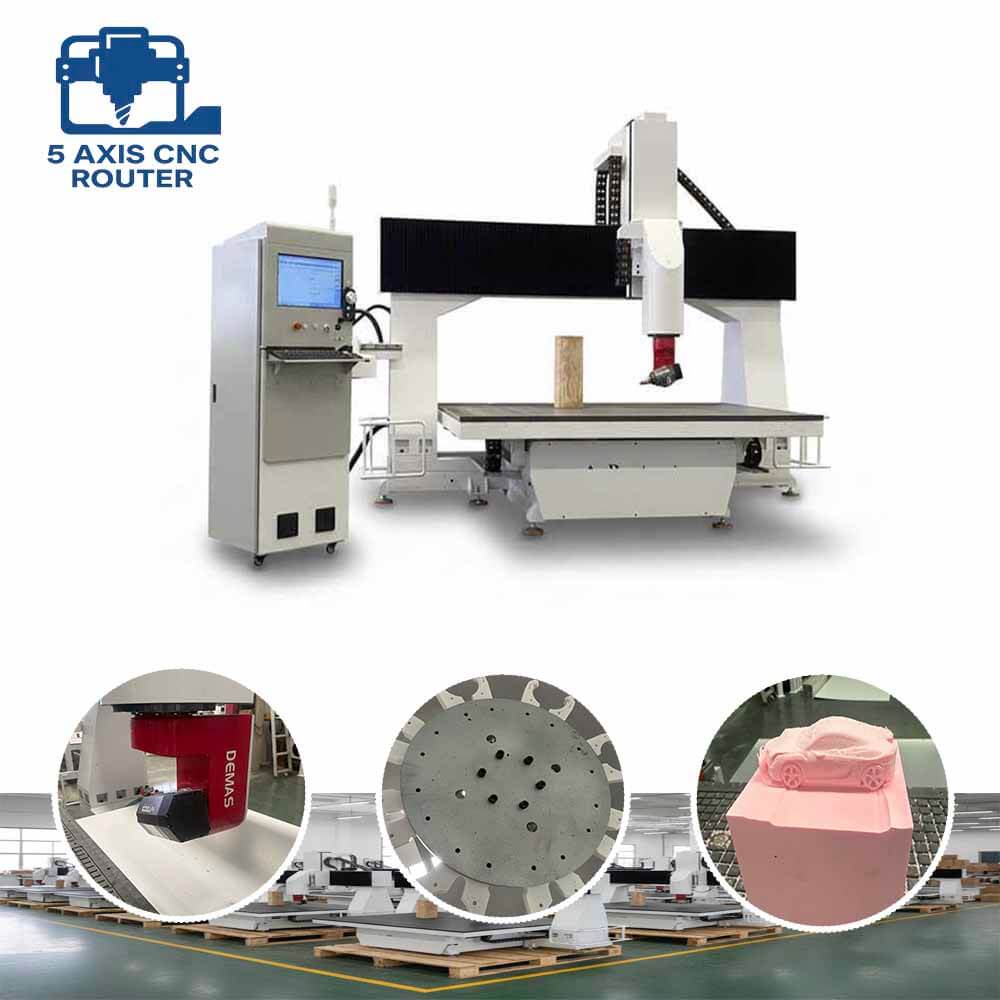
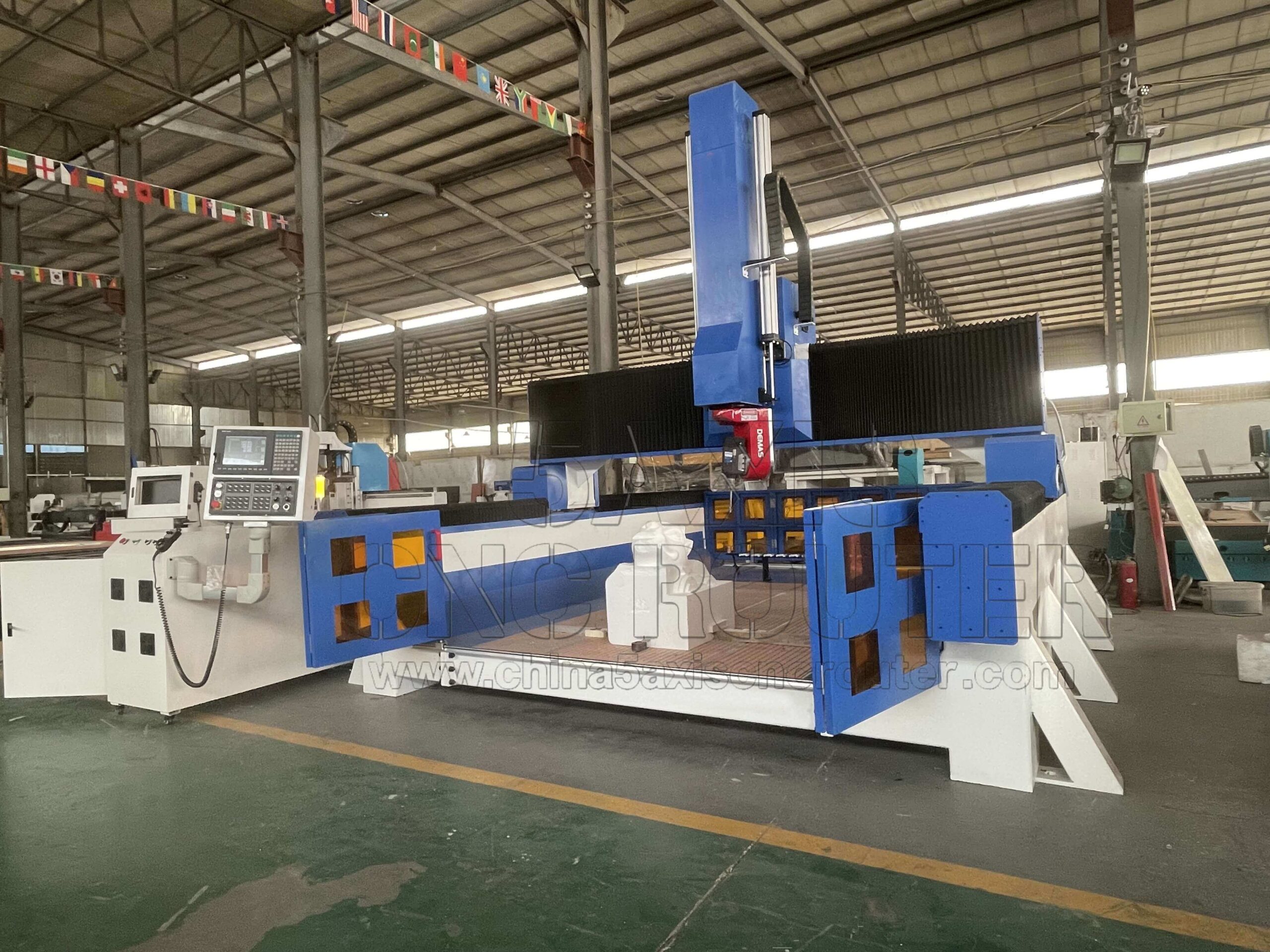
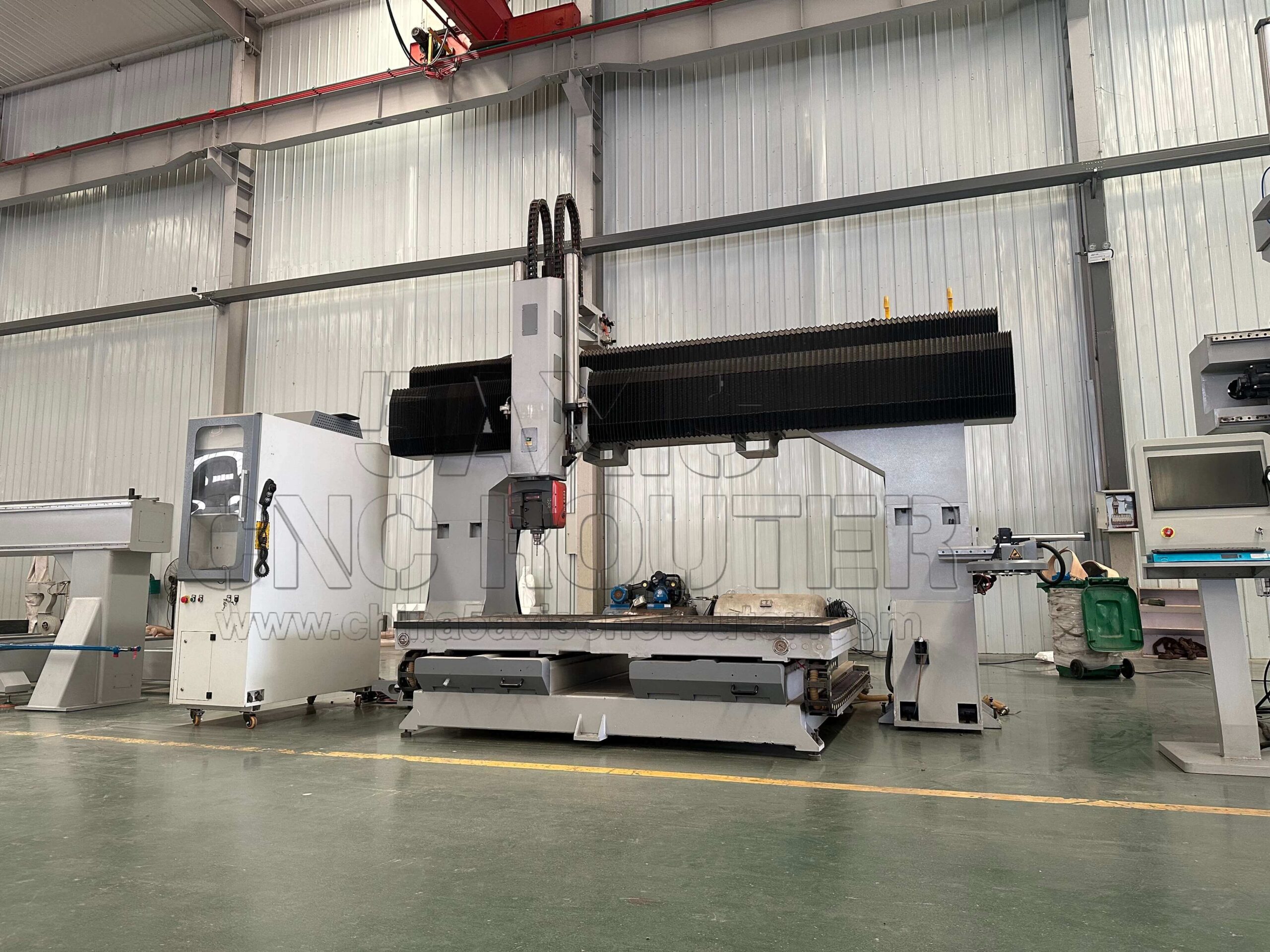
True 5 Axis CNC Router: What Is Fundamentally Different
A true 5 axis CNC router allows:
Simultaneous movement of X, Y, Z, and two rotary axes
Continuous tool orientation control
Real-time kinematic interpolation
Real Production Advantages
In practice, this enables:
Single-setup machining of complex parts
Consistent surface finish on freeform geometry
Shorter tools and improved tool life
Reduced need for custom fixtures
What It Does Not Automatically Improve
A 5 axis router does not guarantee:
Higher cutting forces
Faster feed rates
Better accuracy without calibration
These remain dependent on machine design and process control.
Accuracy and Error Accumulation by Axis Type
Each added axis introduces additional error sources:
Rotary axis backlash
Axis squareness deviation
Kinematic model accuracy
Thermal effects
While 5 axis machines reduce setup-related errors, they increase motion-related error complexity.
Engineering reality:
Accuracy shifts from fixturing control to kinematic control.
Programming and CAM Complexity
Axis count directly affects CAM requirements:
3 axis: basic toolpaths, minimal collision risk
4 axis: indexed toolpaths, moderate complexity
5 axis: full collision avoidance, tool orientation control
CAM software quality and post-processor accuracy become critical in 5 axis machining.
Cost vs Capability Trade-Off
Moving up the axis hierarchy increases:
Machine cost
Training requirements
Programming time
Maintenance effort
The investment only makes sense when part geometry justifies it.
Choosing the Right Configuration
A simplified decision logic:
Choose 3 axis if parts are mostly planar
Choose 4 axis if rotational access is required
Choose 3+2 axis if angled features dominate
Choose true 5 axis if continuous surface machining is unavoidable
Avoid selecting axis count based on marketing alone.
Frequently Asked Questions
Is 5 axis always better than 4 axis?
No. It is better only when continuous tool orientation is required.
Can a 4 axis machine replace a 5 axis machine?
Not for freeform surface machining or undercuts.
Is 3+2 axis the same as true 5 axis?
No. 3+2 does not allow simultaneous five-axis motion.
Does 5 axis reduce setups?
Yes, but only when part geometry supports single-setup machining.
Is CAM software critical for 5 axis machining?
Absolutely. Poor CAM can negate the advantages of additional axes.
Conclusion
The transition from 3 axis to 5 axis CNC routing is not a linear upgrade — it is a shift in manufacturing strategy.
Understanding what each axis configuration truly enables prevents over-investment and under-utilization. In CNC machining, the right machine is defined by geometry, not by axis count.
Products Categories
Recently News


Why Choose Us
1.Experienced CNC manufacturer.
2.Strong R&D and innovation.
3.High-quality machine components.
4.Custom solutions available.
5.Strict quality control.
6.Fast production and delivery.
7.Professional technical support.
8.Competitive factory pricing.
9.Trusted by global customers.
10.One-stop CNC solutions.
Contact Us
- Wechat: ExtraCNC
- Whatsapp/Moblie:0086 15562628072
- Email: [email protected]
 EN
EN  AR
AR  EO
EO  IT
IT  DE
DE  KO
KO  JA
JA  RU
RU  AZ
AZ  BG
BG  CS
CS  DA
DA  EL
EL  ES
ES  FR
FR  ID
ID  LV
LV  NL
NL  ML
ML  PT
PT  TT
TT  SL
SL  TH
TH  UZ
UZ  UK
UK  SV
SV  TR
TR